Key Points
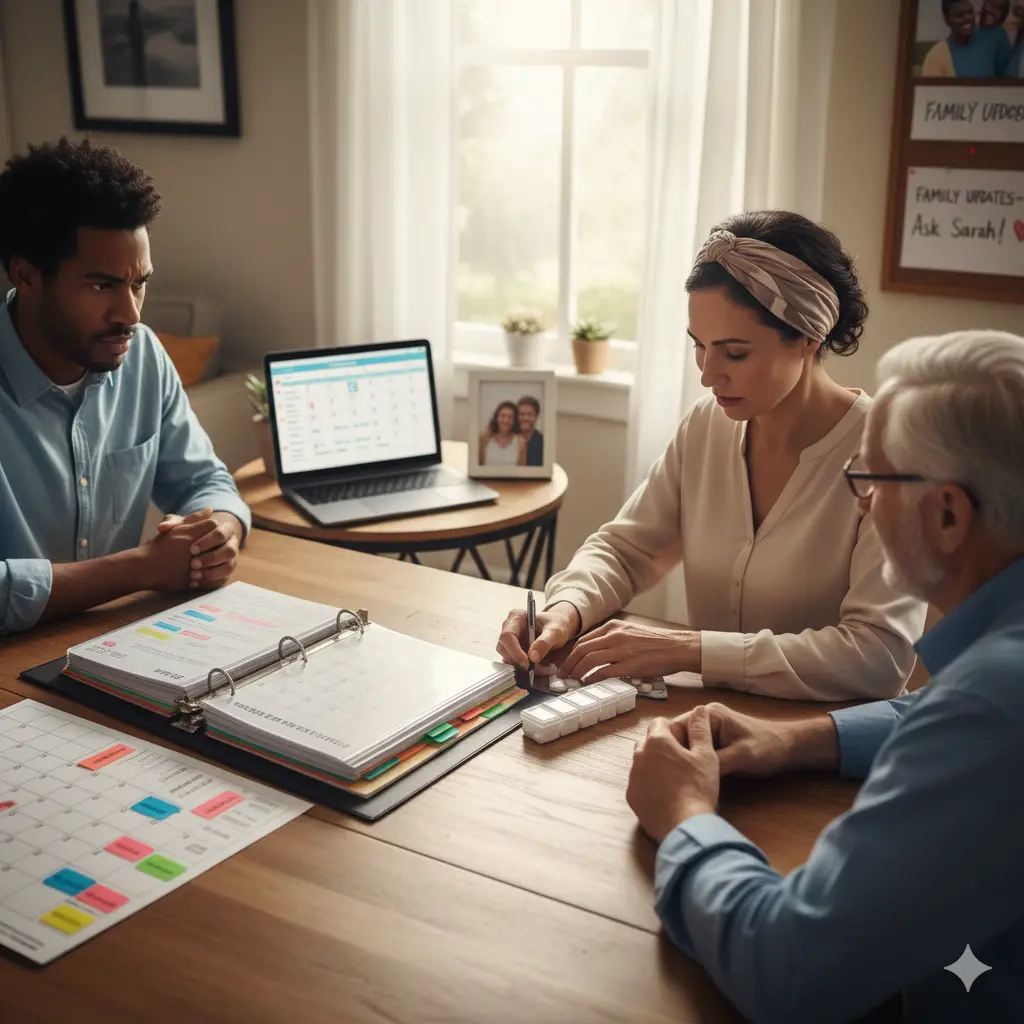
- Establish a “Command Center”: Create one central, undisputed source for all medical information, whether it’s a physical binder or a digital cloud folder. This anchor eliminates frantic searches and provides immense psychological relief, allowing you to walk into every appointment feeling prepared.
- Master the Medical Calendar: Cancer treatment brings a dizzying array of appointments. Use a visual wall calendar with color-coding or a shared digital calendar with multiple alerts and detailed notes (address, contact, specific instructions like fasting). This offloads mental burden and prevents last-minute stress.
- Simplify Medication Management: The complexity of medications can be daunting. Create a master medication list and use a physical pill organizer or digital medication app with reminders and logging capabilities. Consistency and routine are your best defense against errors and reduce daily cognitive load.
- Organize Your Data Deluge: Don’t let test results and reports become noise. File every document chronologically in your command center, adding simple notes to highlight key findings and doctor’s comments. For digital files, use clear, consistent naming conventions to make searching easy. Proactively ask your oncologist what key metrics to track.
- Streamline Communication with Your Support Network: While family and friends’ support is invaluable, constant updates can be exhausting. Designate one point person to share information with the wider group, or use centralized platforms like CaringBridge to post updates whenever you have the energy. This preserves your energy for healing without pushing people away.
Summary
This guide offers practical, simple systems for caregivers and older adults to manage the logistical complexities of a cancer diagnosis. It emphasizes creating a central “command center” for documents, mastering appointment scheduling, simplifying medication routines, organizing medical data, and streamlining communication with a support network. By implementing these strategies, the goal is to transform chaos into order, reduce stress, regain a sense of agency, and free up mental and emotional energy to focus on healing and well-being.
A Practical Guide for Caregivers
Introduction: Aftershocks of a Diagnosis
A cancer diagnosis is like an earthquake, but the endless stream of appointments, tests, medications, and paperwork can feel like constant, destabilizing aftershocks. This guide will help you unpack the powerful idea that regaining control over this onslaught isn’t just about convenience—it’s a vital, often overlooked, part of the healing process itself. Our mission is to offer concrete strategies to build a lifeline, a simple framework that frees you up to focus on what truly matters: your health, your well-being, and your time with loved ones. It’s about carving out pockets of calm in the middle of the storm.
Chapter 1: Building Your Command Center
The command center is the absolute cornerstone of any organizational system. Whether physical or digital, it must be the single, undisputed source of truth for all your medical information.
- The Power of a Central Hub: Imagine frantically searching for a misplaced appointment card or a crucial test result during a doctor’s visit. A command center eliminates that panic. It’s an anchor when your world feels like it’s spinning, allowing you to walk into every appointment feeling prepared and confident.
- Analog Approach: The Cancer Care Binder: For those who prefer something tangible, a sturdy three-ring binder (at least 2 inches thick) is highly recommended. Use logically labeled dividers for sections like:
- Appointments
- Contacts (a full list of everyone on your care team)
- Medications
- Test Results
- Insurance and Bills
- A running list for questions for your next appointment
- Digital Approach: The Cloud-Based Command Center: For the tech-savvy, a simple Google Drive or Dropbox folder works great. Create subfolders that mirror the binder sections (e.g., a folder for contacts, a Google Doc for medications, a Google Sheet for tracking symptoms/expenses, and uploaded PDFs of test results). Many patient portals now allow you to download results directly. The essential rule is immediate filing: every new document should be scanned or downloaded and filed in the correct digital folder right away. This builds a verifiable, searchable, shareable history of your care, invaluable for second opinions or insurance claims.
Chapter 2: Conquering the Calendar Chaos
A cancer journey isn’t just one doctor visit; it’s a dizzying array of radiation, infusions, blood draws, scans, and specialists. Bringing clarity to this relentless schedule is crucial.
- Low-Tech Tool: The Wall-Mounted Calendar: A large wall calendar can be a powerful central visual aid for the whole household. Use different colored markers for each appointment type (e.g., blue for chemo, red for doctor visits, green for blood work). This color-coding allows you to see the rhythm and intensity of your week at a glance, making it easier to plan and spot conflicts. Crucially, write down full details: date, exact time, specific location (building, suite number), and the doctor’s name.
- High-Tech Tool: Shared Calendar Apps: For digital natives, apps like Google Calendar are invaluable. Create a dedicated medical appointments calendar, separate from personal events, and share it with key family members and caregivers. This stops constant reminder texts and calls, keeping everyone on the same page. Set multiple alerts (e.g., one day before, two hours before) to allow plenty of time for preparation and travel. In the notes section of each calendar event, always include the full address, direct clinic contact number, and any specific instructions like “fasting required after midnight” or “bring all medications.”
- Proactive Habits: Print or screenshot appointment confirmations and file them immediately. Create a recurring reminder, perhaps every Sunday night, to review your calendar for the upcoming week. These small habits prevent last-minute stress and help you mentally prepare.
Chapter 3: Simplifying Medication Management
The number and complexity of medications during cancer treatment can be truly daunting. Simplicity and routine are your best defense against errors and daily cognitive load.
- Master Medication List: This is the absolute foundation for safety and peace of mind. Create a written record that includes:
- Drug name
- Exact dosage
- Frequency
- Clear reason for taking it
- Prescribing doctor
- Physical Pill Organizer: For daily management, a pill organizer with compartments for each day and time (morning, noon, evening, bedtime) is often non-negotiable. Set aside a specific, consistent time each week (e.g., Sunday evening) to fill it. This weekly ritual transforms a potentially stressful task into something calming and predictable, freeing up mental energy.
- Digital Medication Apps: For those who prefer digital reminders, apps like Medisafe or Round Health are excellent tools. Input your medication schedule, and the app sends reminders to your phone. Many also track when you’ve taken a dose, creating an automatic log for your doctors, and some can even notify a designated caregiver if a dose is missed.
Chapter 4: Organizing the Data Deluge
You’ll be inundated with reports, blood tests, pathology results, and imaging scans. Organized data provides clarity, reduces anxiety, and empowers you as an informed participant in your own care.
- Filing Test Results:
- Analog: In your physical binder, file every result chronologically in the dedicated test results section. When you get a new report, take a moment to highlight the date and key findings. Jot down a simple note directly on the report, like “Dr. Smith said my white count is low here” or “This scan shows the tumor is stable.” This context is invaluable for later review or when explaining things to other doctors.
- Digital: In your cloud command center, create a “Test Results” folder with subfolders for “Blood Work,” “Imaging,” and “Pathology.” Use a clear, consistent naming convention for files (e.g., YYYY-MM-DD_test type_brief description.pdf). This makes searching for specific results incredibly simple and fast.
- Engaging with Your Data: Proactively ask your oncologist, “What are the most important metrics for me to track personally?” This might be a specific tumor marker or blood count. Then, create a simple chart or spreadsheet to log these key numbers over time, allowing you to visualize progress and understand trends. This process shifts you from a passive recipient of information to an active participant in your health journey.
Chapter 5: Streamlining Communication with Your Support Network
While the support of family and friends is invaluable, answering the same questions repeatedly can be utterly exhausting when your energy is already low.
- Designate a Point Person: The simplest and often most effective approach is to choose one specific person (a spouse, adult child, or close friend) to be your primary communicator. After an appointment or when you have a key update, you tell them, and they take on the responsibility of sharing that information with the wider group. This creates a single funnel for information, preventing you from having to repeat yourself countless times.
- Centralized Communication Platforms: For larger networks or if you prefer something less immediate, free websites like CaringBridge or a private Facebook group specifically for health updates can be a godsend. These platforms allow you to post updates in one place, whenever you have the energy, and your entire support network can access it, read it, and leave messages of encouragement without overwhelming your phone with individual texts or calls.
Conclusion: Transforming Chaos into Order
Organizing the medical onslaught isn’t about creating a perfect, rigid system; it’s about choosing a few simple, sustainable tools that reduce your daily stress and allow you to regain a tangible sense of agency. This frees up your mental and emotional bandwidth to focus on what truly matters: your healing, your well-being, and your precious time with loved ones. This act of organizing is an act of empowerment—a declaration that while you can’t always control the illness itself, you can control how you meet it: with preparation, with clarity, and with the peace of mind that comes from knowing you have a handle on the details.